Best Control Panel for Low RAM VPS (1GB/2GB)
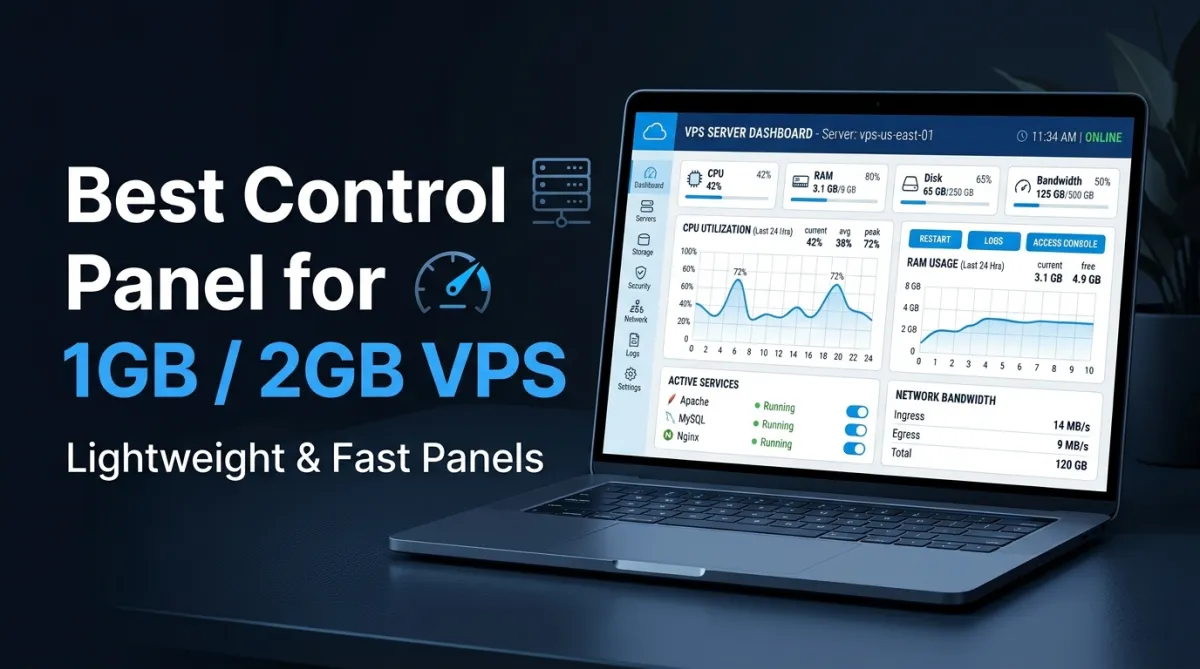

Running a VPS with just 1GB or 2GB RAM can feel limiting, especially when you install a heavy control panel that consumes most of your resources. Many popular panels are simply not optimized for low-memory environments, leading to slow performance, crashes, or high CPU usage. The good news is that there are lightweight control panels designed specifically for low RAM VPS setups. In this guide, you’ll discover the best options that balance performance, usability, and efficiency—without overloading your server.
Why Choosing the Right Control Panel Matters
When working with a low RAM VPS, every megabyte counts. A poorly optimized control panel can:
- Slow down your server
- Increase load times
- Limit how many websites you can host
- Cause frequent downtime
A lightweight control panel, on the other hand, helps you maximize performance while keeping your system stable.
Before installing any panel, it’s also smart to check your server configuration using a system inspection tool or verify your domain setup with a DNS lookup tool to avoid misconfigurations later.
Key Features to Look for in a Low RAM Control Panel
1. Low Memory Usage
The control panel should consume minimal RAM, ideally under 200MB during normal usage.
2. Simple Interface
Avoid panels with overly complex dashboards. Simplicity reduces resource consumption.
3. Essential Features Only
You don’t need bloated features. Focus on:
- Web server management
- Database handling
- SSL support
- Basic file management
4. Fast Installation
Lightweight panels typically install faster and require fewer dependencies.
Best Control Panels for 1GB/2GB VPS
1. HestiaCP
HestiaCP is one of the best free control panels for low RAM servers. It’s a fork of VestaCP with better security and performance improvements.
Why it works well:
- Uses Nginx + Apache hybrid setup
- Lightweight and fast
- Clean UI with essential tools
Best for: Beginners and small website hosting
2. CyberPanel (OpenLiteSpeed)
CyberPanel uses OpenLiteSpeed, which is known for high performance and efficiency learn more from the LiteSpeed official website
Pros:
- Built-in LiteSpeed cache
- Good performance optimization
- Free version available
Cons:
- Slightly heavier than HestiaCP
Best for: Performance-focused websites like blogs or landing pages
3. aaPanel
aaPanel offers a balance between features and performance.
Highlights:
- One-click software installation
- Lightweight core system
- Optional plugins (install only what you need)
To optimize your setup further, you can use a file size analyzer tool to manage disk usage and avoid unnecessary load.
Best for: Users who want flexibility with minimal resource usage
4. Webmin + Virtualmin (Minimal Setup)
Webmin is extremely lightweight, and when paired with Virtualmin (minimal mode), it becomes a powerful control panel.
Advantages:
- Highly customizable
- Very low RAM usage (if configured properly)
- Ideal for advanced users
Drawback:
- Not beginner-friendly
Best for: Developers and system admins
5. CloudPanel
CloudPanel is modern, clean, and optimized for performance.
Features:
- Supports PHP, Node.js, and static sites
- Built for cloud VPS environments
- Efficient resource handling
If you’re managing multiple domains, it’s helpful to validate configurations using a domain analysis tool to ensure everything is properly set up.
Best for: Modern web apps and developers
Control Panels You Should Avoid on Low RAM VPS
Some popular panels are too heavy for 1GB/2GB VPS:
- cPanel/WHM
- Plesk (full version)
- DirectAdmin (default setup)
These panels are powerful but require more RAM and CPU to run smoothly.
Performance Tips for Low RAM VPS
Even with a lightweight control panel, optimization is key.
Use Nginx Instead of Apache (if possible)
Nginx consumes less memory and handles traffic more efficiently. Using a lightweight server like Nginx official documentation can significantly reduce memory usage compared to traditional setups.
Limit Background Services
Disable unnecessary services that consume RAM.
Optimize Databases
Keep your database clean and lightweight. Use indexing and avoid large unused tables.
Monitor Server Activity
Regularly check logs and resource usage. You can compare files or configs using a code comparison tool to identify changes or issues quickly.
FAQs
Which control panel uses the least RAM?
Webmin uses the least RAM when installed with minimal configuration. It’s ideal for advanced users who want full control.
Is CyberPanel good for 1GB RAM VPS?
Yes, but only if you use the OpenLiteSpeed version and avoid installing unnecessary features.
Can I run multiple websites on a 1GB VPS?
Yes, but keep it limited. Use lightweight control panels and optimize your server properly.
Is HestiaCP better than aaPanel?
HestiaCP is lighter and simpler, while aaPanel offers more features. Choose based on your needs.
Do I really need a control panel?
No, but it simplifies server management. Without one, you’ll need to manage everything via command line.
Conclusion
Choosing the right control panel for a low RAM VPS is crucial for performance and stability. Lightweight options like HestiaCP, Webmin, and CloudPanel help you get the most out of limited resources without compromising usability.
Instead of installing heavy panels that slow everything down, focus on efficiency, simplicity, and proper optimization. With the right setup, even a 1GB VPS can handle multiple websites smoothly.
If you’re setting up your server, take time to test configurations, monitor performance, and use the right tools to keep everything optimized. Small improvements can make a big difference in low-resource environments.